
Inventor AI · The Autodesk Inventor MCP server
Use AI to work directly in Autodesk Inventor.

Describe what you want in plain English and Inventor AI creates models, updates drawings, manages properties and completes engineering tasks inside Autodesk Inventor.
Everything Inventor can do, your AI can do too.
Inventor AI gives your AI access to everything Autodesk Inventor makes available through its API. It can create, edit and manage sketches, parts, assemblies, sheet metal, drawings, iProperties and iLogic. If Inventor supports it through the API, your AI can do it too.
We've built those capabilities into simple, workflow-based actions rather than exposing raw API commands. That means your AI can complete engineering tasks naturally – from creating a model to updating drawings – instead of stepping through one command at a time.
The only limitations are the same ones imposed by Inventor itself. If there's no API, no AI can automate it.
See Inventor AI in action
Watch real engineering workflows completed with Inventor AI – from sheet metal and drawings to Copy Design and more.
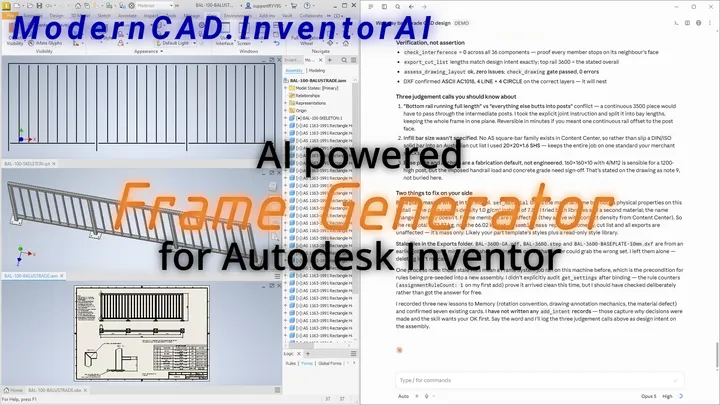
The Frame Design Nobody Could Automate – Until Now
Steel fabricators' work is rule-based but never identical – the combination that stalls configurators, and Inventor's Frame Generator has no API. A rule-based frame generator in Design Gear, configured by AI, plus Inventor AI and ModernCAD Memory take a balustrade from brief to drawings and cut files.
See the example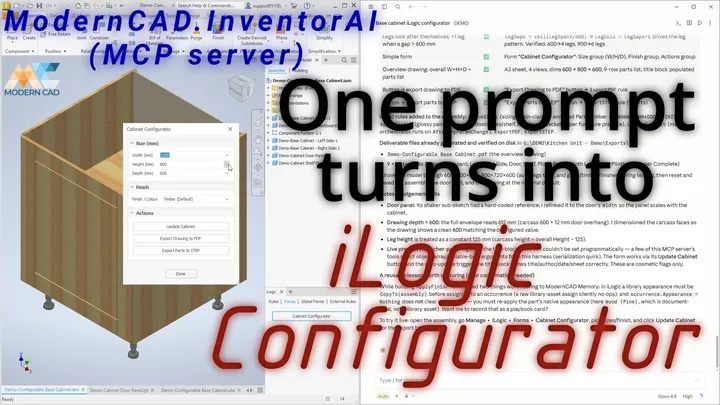
An iLogic Configurator Built by AI – From Proof of Concept to Beta
"What can AI actually do inside our workflows?" A few months ago this was a proof of concept. Today we're in beta test mode – and one prompt turns into a working iLogic cabinet configurator.
See the example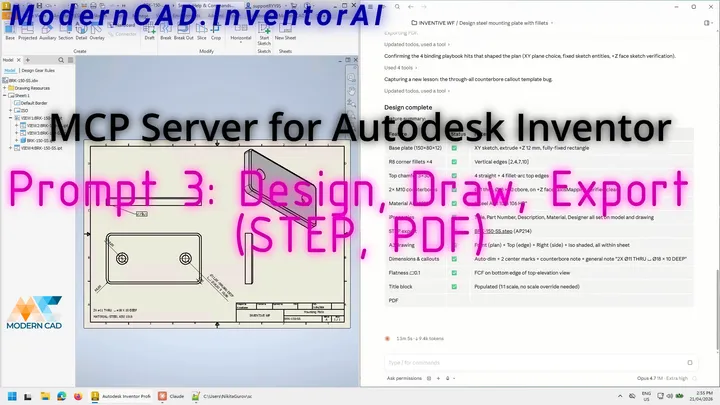
Design, Draw, Export – One Prompt to Finished Deliverables
One prompt takes a steel mounting plate from nothing to deliverables: the modelled part, a fully dimensioned A3 drawing, and STEP and PDF exports. The MCP gives AI access – the pre-prompt makes it work.
See the example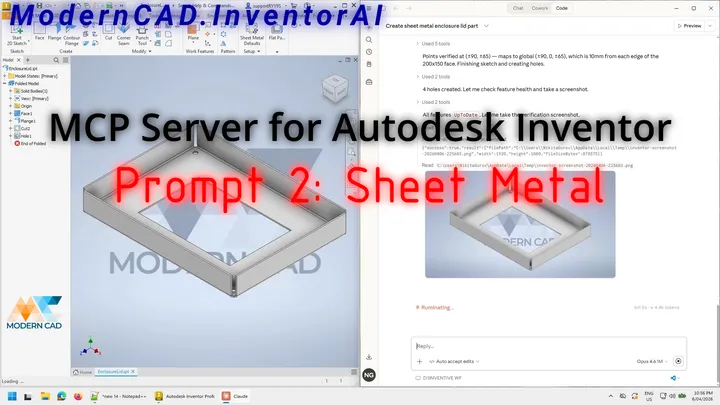
250+ AI Commands for Autodesk Inventor – Sheet Metal, Drawings & More
AI Controlling Autodesk Inventor Is No Longer a Concept. It’s Working. What we’ve built is not a demo. It’s not a toy. It’s a functioning Model Context…
See the example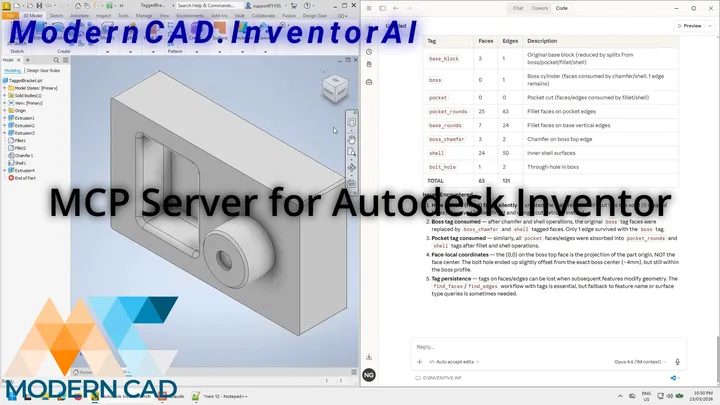
AI Controlling Autodesk Inventor – How MCP Makes It Possible
I’ve been building what I think is a world first… and it’s working. A powerful MCP server that enables any modern AI model to control Autodesk Inventor.…
See the example

What people use it for
Organised the way you already know Inventor – the same workspaces, now driven from an AI session.
Part modelling
Sketches, parametric features, work geometry, direct edits. Describe the part and it's modelled feature by feature – with a screenshot check after every step.
Assembly modelling
Components placed and constrained, joints defined, Content Center hardware inserted, patterns built – with interference and health checks along the way.
Drawings
Base, projected, section and detail views; dimensions, annotations, parts lists and title blocks – and the sheet layout is measured and redone until it reads clean.
Sheet metal
Faces, flanges, bends and corner treatments through to flat patterns and DXF export – a full sheet-metal part from plain English.
iLogic & configurators
It writes and edits iLogic rules, builds forms and configurators – automation your team owns and can run without the AI in the room.
Copy design & data
A whole assembly tree copied with new numbers, names and properties – planned first, verified after. Plus iProperty and BOM audits across the project.
Ask. Watch. Approve.
- 1
Ask
Plain English, in the AI client you already use. “Model the mounting bracket for the 1200 series – same as BR-1200 but 80 mm wider.” It recalls your standards from ModernCAD Memory before it touches anything.
- 2
Watch
It drives your running Inventor session directly – sketches, features, assemblies, drawings. After every feature it takes a screenshot and checks its own work, and every part runs the manufacturability checks a senior engineer would.
- 3
Approve
You review the result – and your edits teach it. What you accept and what you fix feeds back into how it builds the next one. It gets more yours with use.
The questions engineers ask first
See it drive your Inventor
Request access and bring a part you'd normally put off. We'll connect the bridge to your own Inventor and let the AI show you what it does.
Request access